You’re comparing free CRMs, and the feature lists are overwhelming. Our platform touts AI-powered insights, another emphasizes social media integration, a third highlights its mobile app. But here’s the truth that saves you hours of evaluation time: 90% of small businesses need the same five foundational capabilities, and everything else is either nice-to-have or premature optimization.
Contact management with customization
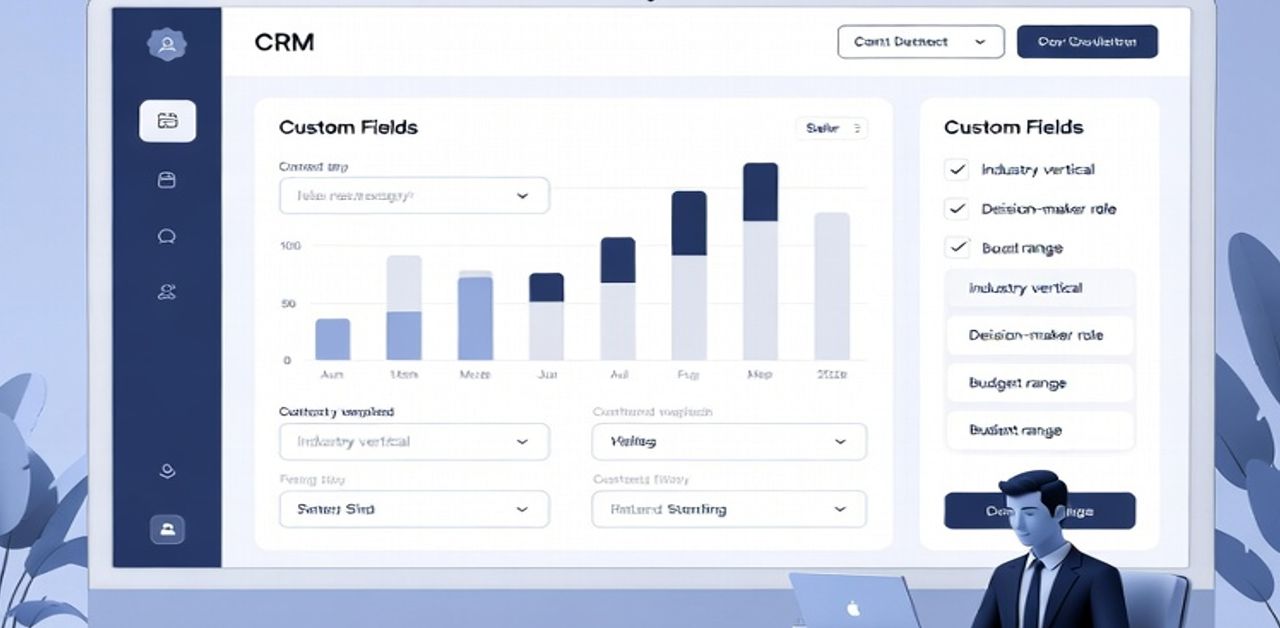
This is your first non-negotiable. This isn’t just storing names and email addresses it’s the ability to capture the information that actually matters for your sales process. Generic CRMs give you fields for “company” and “phone number.” Useful CRMs let you add custom fields for “industry vertical,” “decision-maker role,” “budget range,” or whatever categories actually drive your qualification and follow-up strategy. If a free tier doesn’t allow basic customization, it’s forcing you to adapt your process to their assumptions.
Visual sales pipeline
Visuals with drag-and-drop stages creates instant clarity. You should be able to look at a board view and immediately understand: 17 leads in initial contact, 8 in proposal stage, 3 pending close. Without this visual representation, you’re back to spreadsheet rows that require cognitive effort to parse. The stages should be customizable to match your actual sales process—whether that’s a three-stage funnel or a complex seven-stage enterprise sales cycle.
Tracking Features
Activity tracking (calls, emails, meetings, notes) creates the paper trail that prevents dropped balls and knowledge loss. When a prospect says “I mentioned this in our last conversation,” you should be able to pull up exactly what was discussed. When a team member goes on vacation, their deals shouldn’t become black holes. Every interaction should automatically or manually log against the contact record.
Task Management
Task management and reminders transform passive data into active workflow. The CRM should prompt you: “Follow up with Sarah on Friday,” “Check in on the pending proposal in 3 days,” “Monthly touch-base with Client X is due.” Without this, your CRM is a history book but not a working tool. The best implementations let you create tasks directly from emails or call logs.
Reporting Dashboards
Basic reporting and dashboards provide the visibility that justifies the investment. You need to answer questions like: What’s my conversion rate from lead to opportunity? What’s the average time a deal spends in each pipeline stage? Which lead sources produce the most closed business? A free tier that gives you contact storage but no reporting capability is like a fitness tracker that counts steps but never shows you the total.
The deal-breakers that should immediately disqualify a free tier: contact limits under 500 (you’ll hit this faster than you think), inability to export your data (you’re locked in), no mobile access (your sales process doesn’t stop when you leave your desk), and single-user restrictions (even solo founders need to share access with a VA or partner occasionally).
This is why at BusinessCRMs.com, we test free tiers by actually running a simulated sales process through them. When we review platforms, we ask: Can we set up a realistic 5-stage pipeline, import 100 contacts with custom attributes, log activities for a week, and generate a meaningful conversion report all without hitting paywalls?
Master these five features in your free CRM, and you’ve built 80% of what differentiates professional sales operations from amateur hour. Everything else can come later, but these capabilities must be present from day one.